Quick Start
Rapid Experience
- Log in to the Dakou platform: https://dakou.iflow.cn/

- Select a quick start example and initiate a task (Note: Account activation is required first)

- View the Dakou task execution process

- View the product official website generated by Dakou

Generated website URL: https://sessiona0489791fe9c444a9d.dakou-hosting.iflow.cn/

Standard Process
Preparations
[Optional] Import Business Knowledge
- Used to manage business-related knowledge. Agents automatically acquire knowledge during execution to assist with task processing.

[Optional] Create Playbooks
- Used to manage processing workflows for specific task types, such as standard SOPs for updating repository Readme.
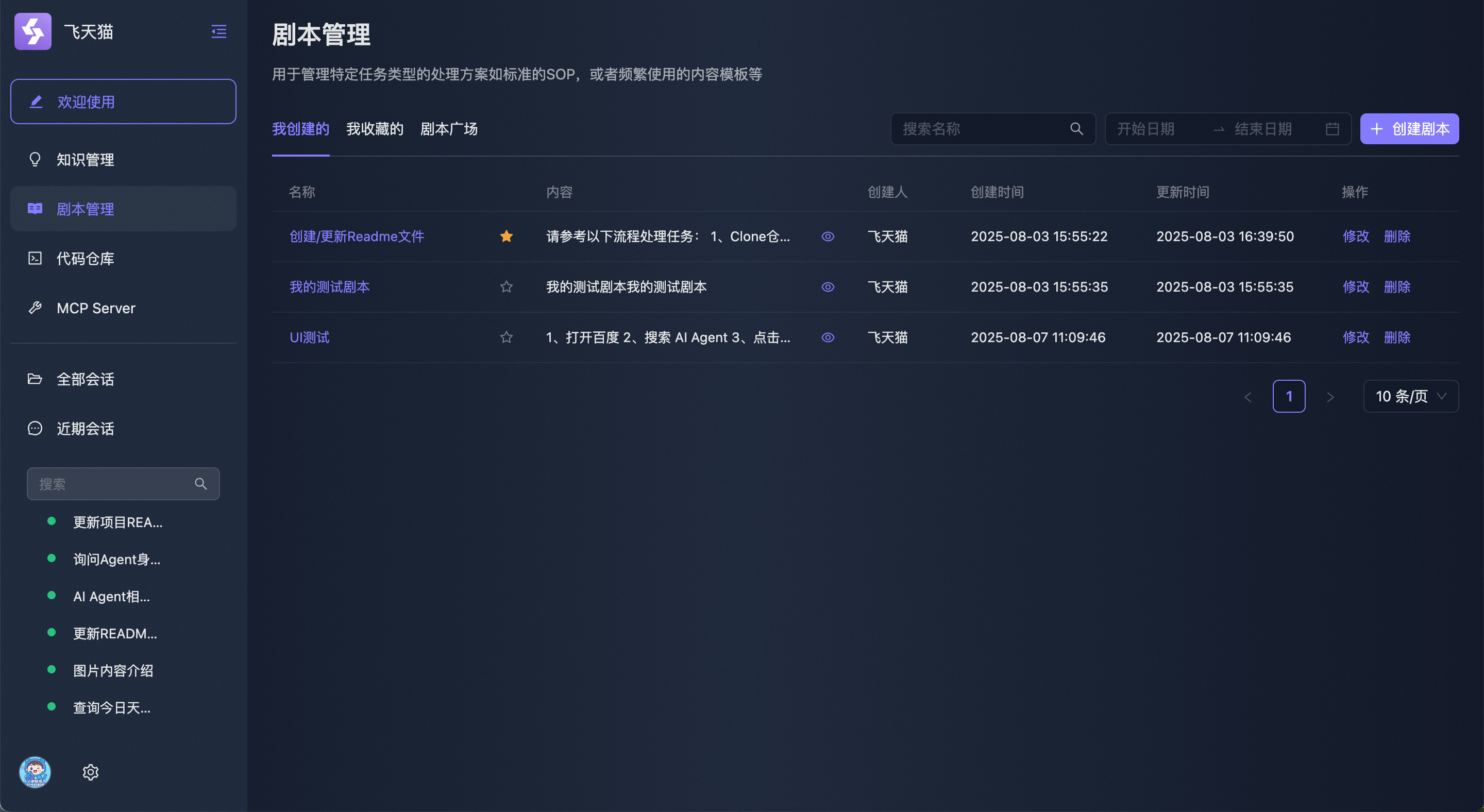
Example:
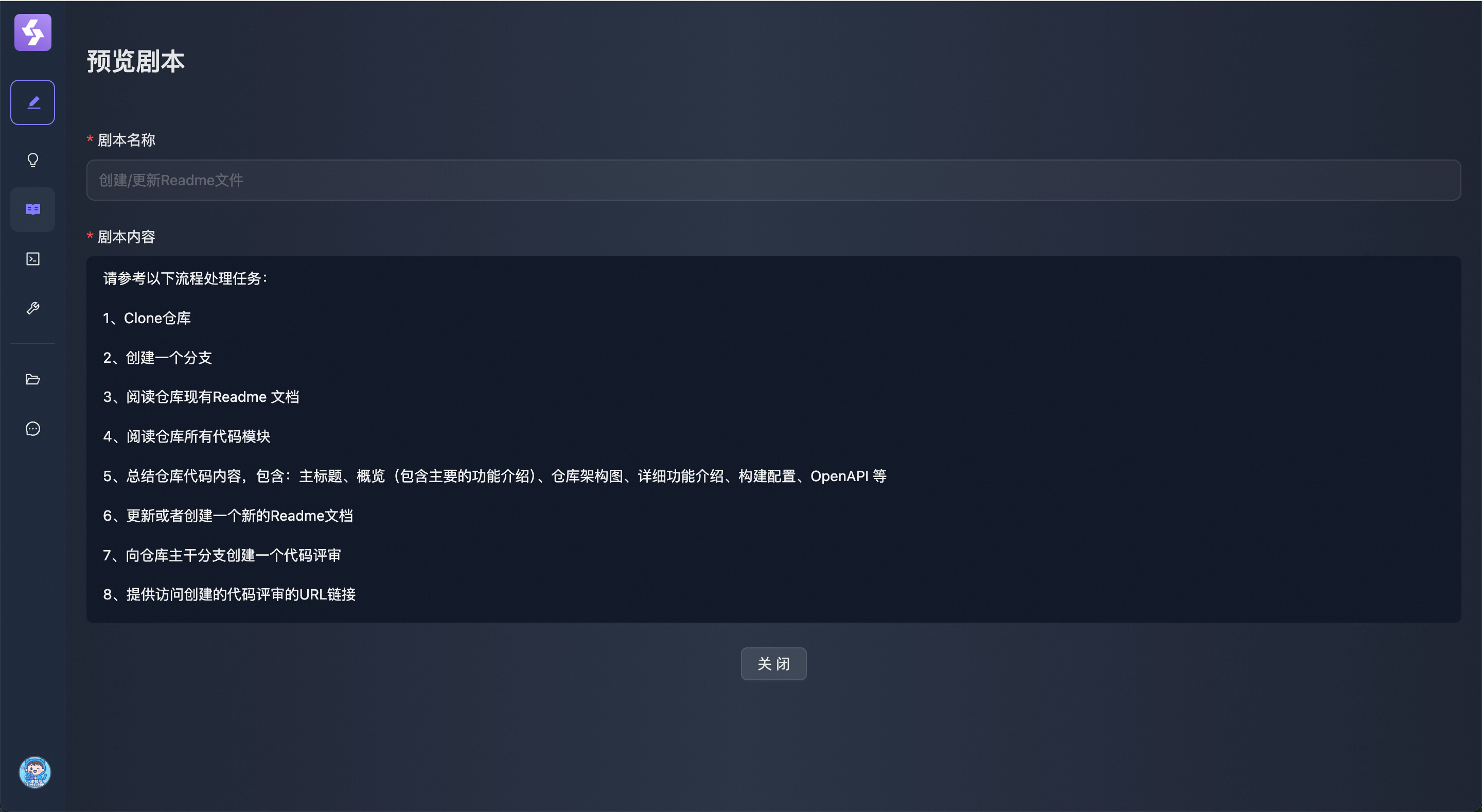
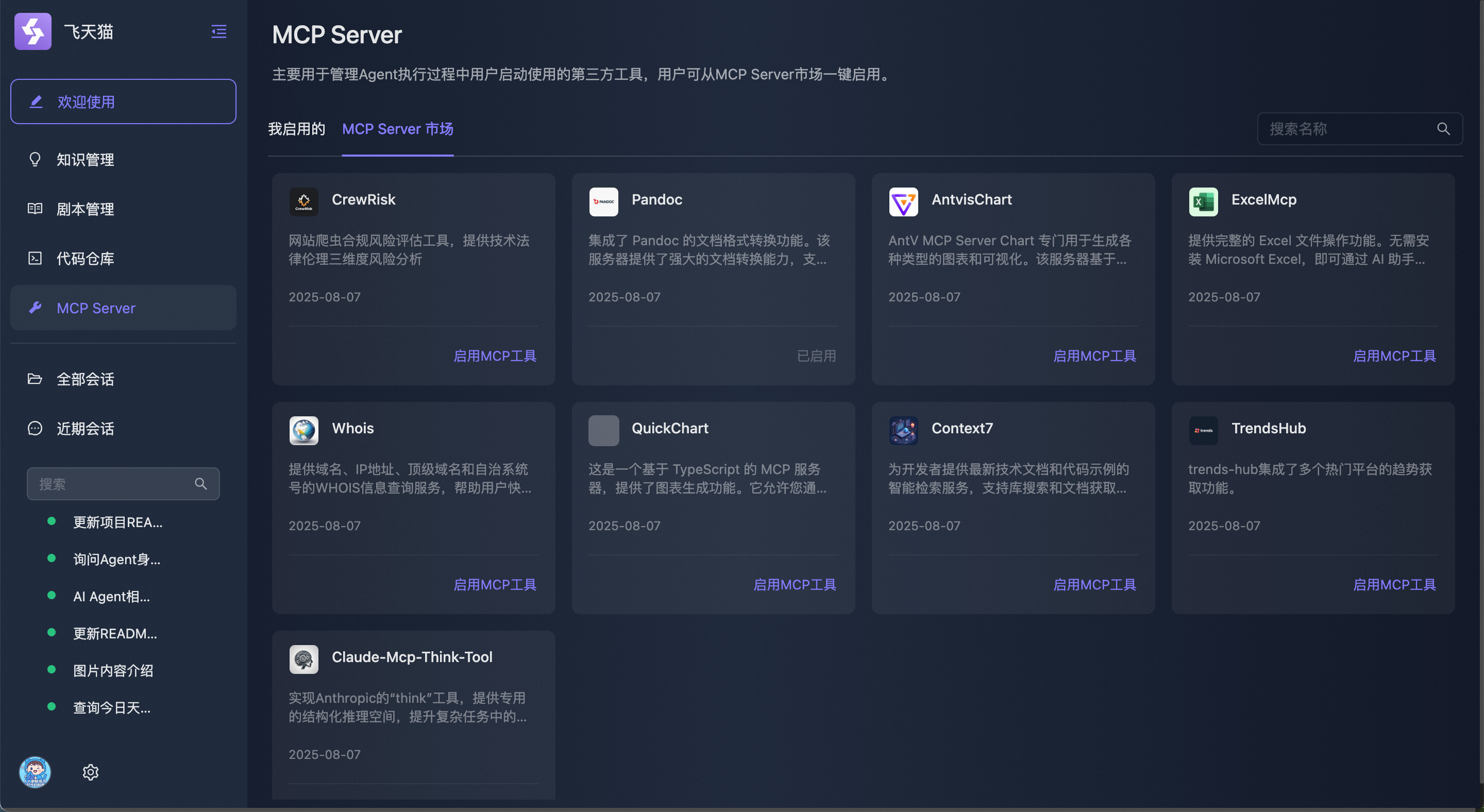
[Optional] Enable MCP Tools
- During task processing, Dakou uses related tools, which requires users to enable relevant tools in the MCP Server marketplace in advance.
Delegate Tasks
Describe the task to be delegated in detail
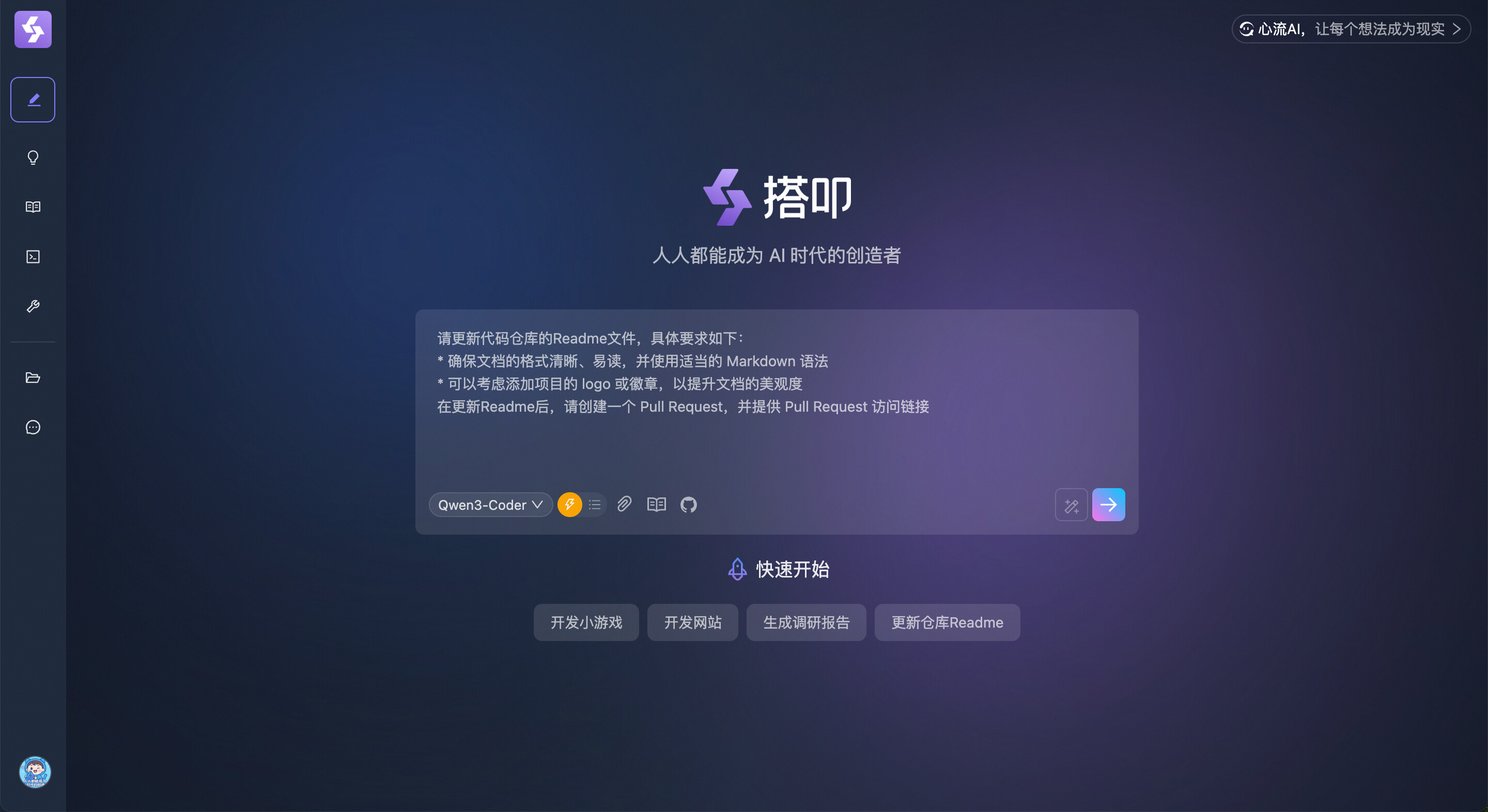
[Optional] Select a Playbook
- If a playbook has been previously written for this scenario, it can also be directly selected for use.
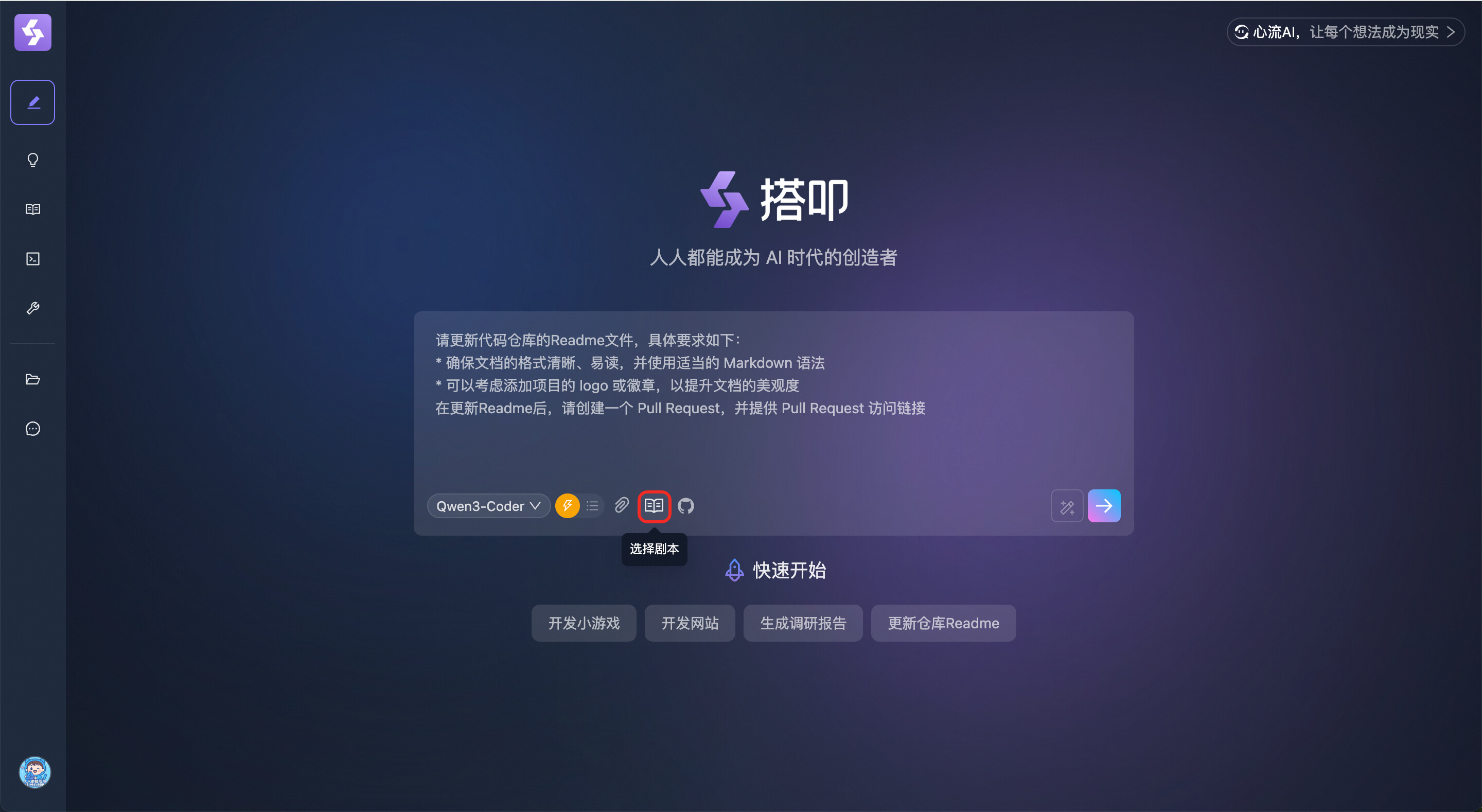
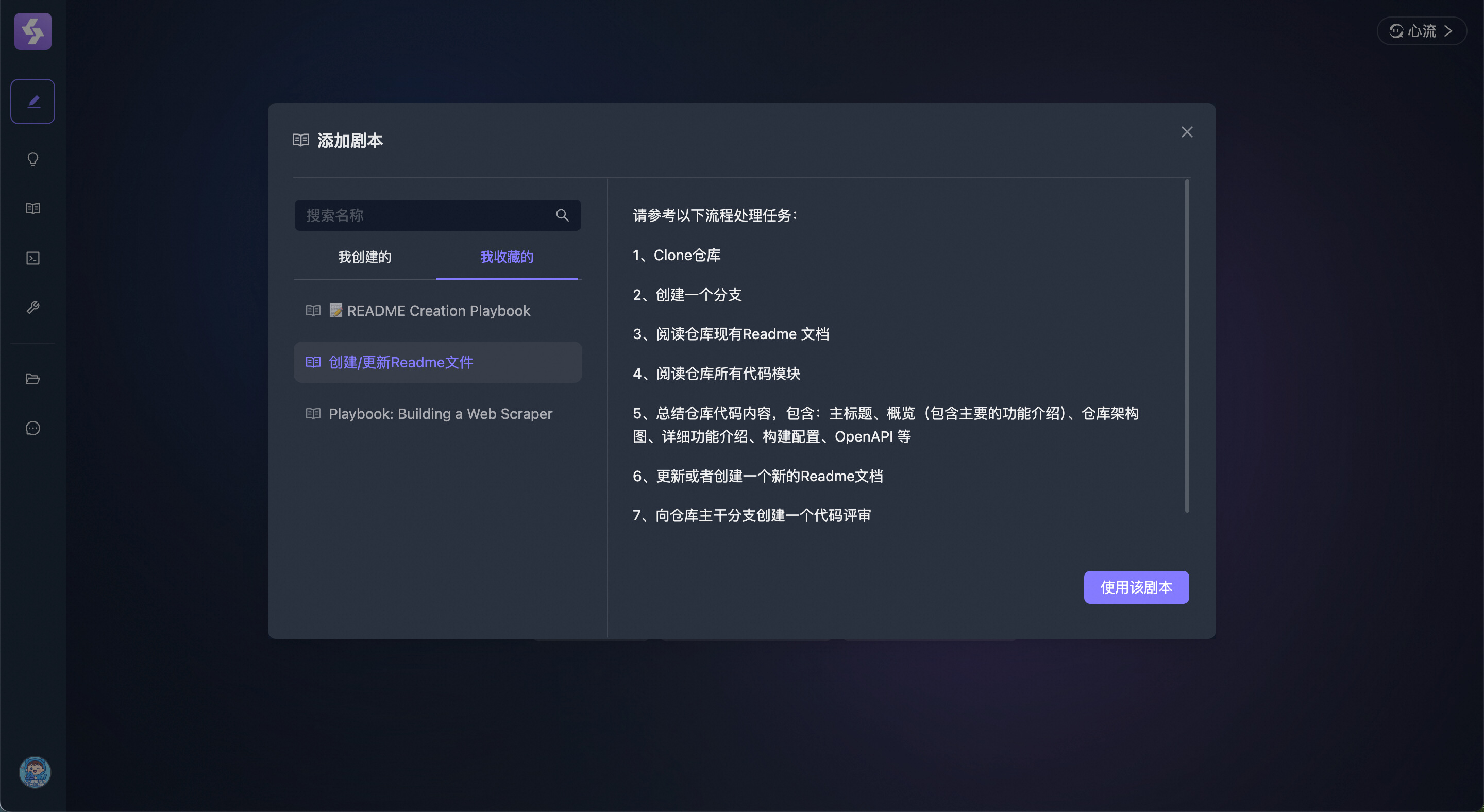
[Optional] Select a Code Repository
- Dakou supports integrating GitHub repositories. After authorization, users can complete related development work based on GitHub repositories.

Submit Task

Dakou begins automatic task processing

View Task Processing Results
- The editor is used to view generated code, and preview is used to view generated web pages.
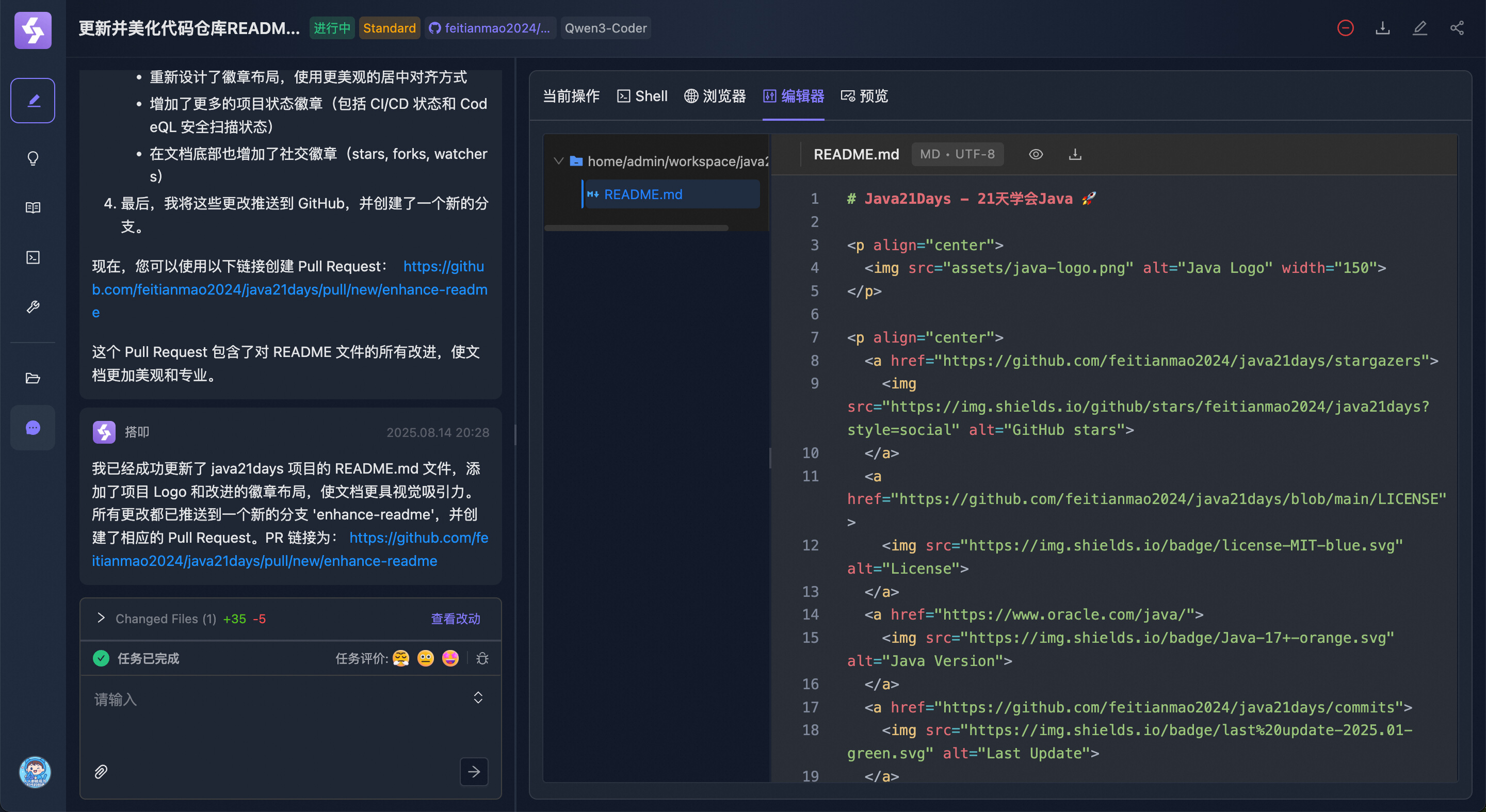
User Issues New Instructions
- If unsatisfied with Dakou's generated results, new instructions can be issued for optimization.
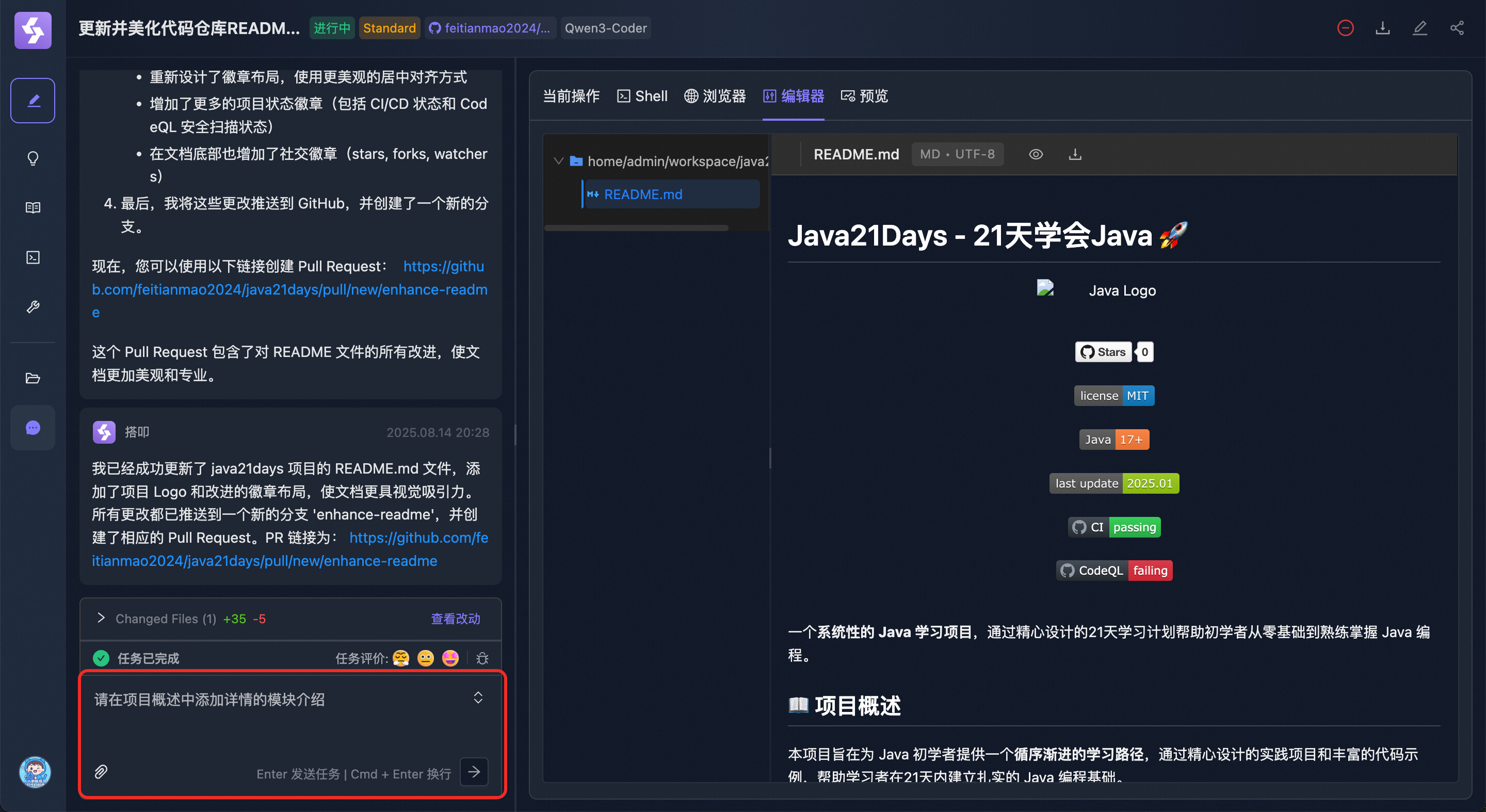
Feedback Issues Encountered During Use

Evaluate Dakou's Execution Results
